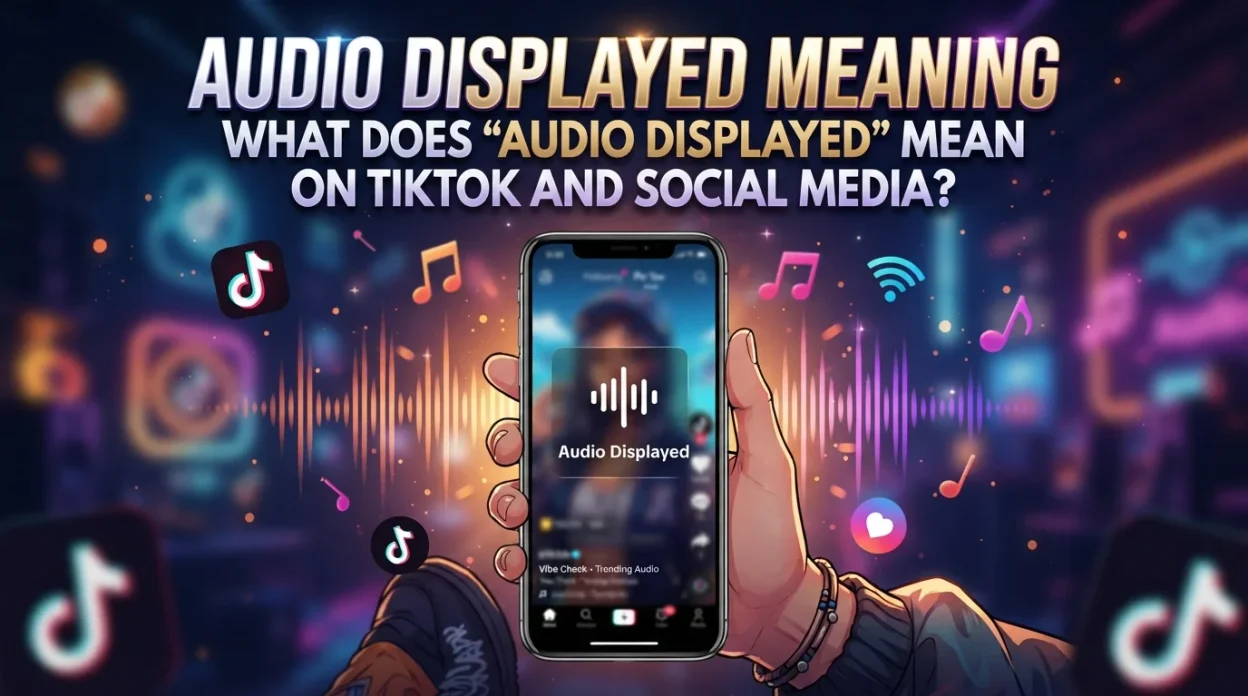
AudioDisplayed Meaning the song title, artist name, or sound label is visible on a video. It refers to the text overlay that shows which sound is playing. On TikTok, this appears as a spinning record icon with the sound name at the bottom of the screen.
If you have seen the phrase “audio displayed” and felt confused, you are not alone. It is not an official platform feature name. Instead, it describes something you see on TikTok, Instagram, and YouTube every day. Let’s break down exactly what it means.
H2: What Does “Audio Displayed” Mean?
The phrase “audio displayed” describes a situation where sound information is shown on your screen. On social media platforms, this happens in a few main ways.
First, it means the song or sound title is visible on the video. When you watch a TikTok with licensed music, you will see text at the bottom of the screen. That text shows the track name and artist. For example, you might see “Original Sound · username” or “Song Name · Artist Name.” This is TikTok’s way of identifying what is playing.
Second, it can refer to auto-captions. TikTok and Instagram have features that automatically transcribe spoken words and display them as subtitles. If you see text appearing in sync with what someone is saying, that is audio being displayed as text.
H2: How TikTok Displays Audio Information
TikTok’s system for showing audio information is built directly into the platform. Here is how it works.
H3: Song Title and Artist Display
When a video uses a licensed track, TikTok automatically identifies it. The app then displays the song name and artist at the bottom of the video. This display rotates and scrolls, making sure you can read it. If the sound comes from a specific creator, you will see their username instead. For example, “Original Sound · @sarahvilard.”
TikTok describes this as a “running title of the sound” that gets appended to the post. When audiences hear a sound that clicks, they can immediately tap on the spinning record icon to enter a page dedicated to just that sound.
H3: Auto-Captions and Subtitles
TikTok also displays audio as text through its auto-caption feature. The platform uses speech recognition to transcribe dialogue. The transcribed words then appear on screen, usually at the bottom. Instagram does the same for Reels. This helps viewers who watch without sound. It also makes content more accessible for people with hearing difficulties.
H3: Voice Comments and Transcripts
TikTok recently added voice comments. When someone leaves a voice comment, TikTok displays a translated text version below each voice comment. These voice messages can run up to 60 seconds long. The feature rolls out to users aged 18 and older. TikTok framed the feature around emotional expression: “Whether you’re laughing at a meme, singing with a creator, or reacting to a sudden plot twist, Voice Comments make it easy to say what you’re feeling — no typing required”.
H2: “Audio Displayed” vs. Related Terms
Several similar phrases can cause confusion. Let’s clear them up.
TermWhat It MeansAudio DisplayedSong title/artist visible, or captions shownSound OnCreator reminder to turn volume upAudio UnavailableCopyright mute or regional blockOriginal SoundAudio from the creator’s own recordingVoice CommentAudio reply left in the comments section
The key difference is that “audio displayed” is about showing information. “Sound on” is about hearing it. “Audio unavailable” is the opposite—the sound was removed.
H2: Why Does Audio Display Matter?
Audio display serves several important purposes on TikTok and other platforms.
H3: Music Discovery
When you see a song title displayed, you can tap it. This takes you to the sound page. There, you can see all videos using that track. You can also save the sound or use it yourself. This drives music discovery and helps songs go viral. In fact, one in three TikTok users say they have discovered a new video because of its sound through their For You Page.
H3: Accessibility
Displayed captions and transcripts make TikTok more accessible. People who are deaf or hard of hearing can follow along. People who watch without sound can still understand the content. This expands the platform’s reach.
H3: Trend Identification
TikTok’s sound pages highlight trending audio. When audio information is displayed on videos, it helps users identify which sounds are popular. This encourages participation in trends. The sound detail pages give users a chance to learn more and engage with a specific piece of audio in different ways.
H2: How Audio Pages Work
When you tap on a displayed sound, you land on an audio page. This page is the hub where TikTok engagement turns into listening intent.
H3: What You See on a Sound Page
A sound page displays the track title, artist name, album art, and all videos that use that sound. Videos are sorted by popularity, with the most-liked content at the top. Users can also tap “Add to Music App” to save the track directly to Spotify or Apple Music.
H3: Why Sound Pages Matter for Creators
Instagram has named the audio page tap as one of its top Reels ranking signals. Instagram predicts how likely you are to go to the audio page as a proxy for whether you might be inspired to make your own Reel. This means the sound you choose is a ranking input, not a last-minute mood choice.
H2: Frequently Asked Questions
What does “audio displayed” mean on TikTok?
It usually means the song title and artist name are visible on the video. It can also mean TikTok’s auto-captions are displaying spoken words as text on screen.
Why is the audio not displaying on my TikTok?
If audio is not displaying, the video might not have licensed music. It could also be an original sound without a title. Sometimes, a copyright issue removes the audio entirely. In that case, you will see “audio unavailable” instead.
What does “Original Sound” mean when displayed?
“Original Sound” means the audio comes from the creator’s own recording. It is not a licensed song. TikTok displays the creator’s username next to it.
Can I hide the audio display on my videos?
You cannot fully hide it if you use licensed music. However, you can turn off captions. You can also use original sounds, which display differently. Creators can also disable voice comments if they do not want audio responses.
What are TikTok voice comments?
Voice comments let users reply to videos with short audio recordings. TikTok displays a translated text version below each voice comment. Creators can disable this feature if they choose. The feature rolls out to users aged 18 and older.
H2: Conclusion
“Audio displayed” is not a fancy TikTok feature. It simply describes what you see when sound information appears on screen. Most often, it means the song title and artist are visible on a video. It can also mean auto-captions are showing spoken words as text.
Understanding this helps you navigate TikTok better. You can discover new music by tapping displayed song titles. You can follow along with captions when watching without sound. And you can identify trends by seeing which sounds are popular.
So next time you see “audio displayed” mentioned, you will know exactly what it means. It is just TikTok showing you what you are hearing. Simple as that.

hwuduwgdul